Sri Rampai, Wangsa Maju
Kuala Lumpur, Malaysia
adyaakob@gmail.com
+60 102369037
Sri Rampai, Wangsa Maju
Kuala Lumpur, Malaysia
adyaakob@gmail.com
+60 102369037


In recent months, I’ve explored many tools to help me code faster using LLM (Large Language Model) assistants. While many platforms look great, most of them have limited features for free users. I wanted something more flexible, cost-effective, and especially good for working with React projects. This is where BOLT.DIY became a solid option.
Many of the current popular LLM-based IDEs have serious limitations:
✅ Vercel v0, lovable.ai, and Bolt.new offer limited access for free users. You often get blocked or asked to pay after a few tries.
✅ Trae has great responses, but during Europe and US office hours, the response time is very slow due to high traffic.
✅ VS Code + CLine or Roo Code are good alternatives, but they depend on paid APIs. You might run into daily usage limits unless you pay.
✅ GitHub Copilot offers generous usage, but its “agent-like” features are still limited compared to more advanced tools.
✅ Windsurf and Cursor are advanced IDEs, but they don’t offer free accounts except for a short trial. I subscribed to Windsurf’s basic plan ($10/month), but if you use models like Claude 3.5 Sonnet heavily, your credits can finish within a few days.
BOLT.DIY is a local version of the Bolt.new interface, and it’s open-source. You can run it on your own machine, and it feels similar to the original version without the usage limits.
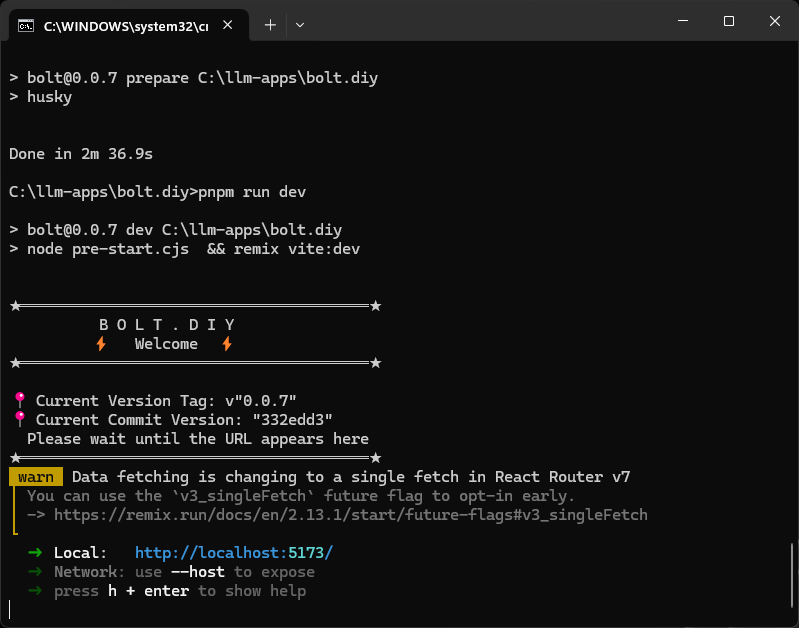
Here’s how I installed it:
git clone https://github.com/bolt-diy/bolt.diy
cd bolt.diy
pnpm install
pnpm run dev
✅ No usage limit — because you’re running it locally.
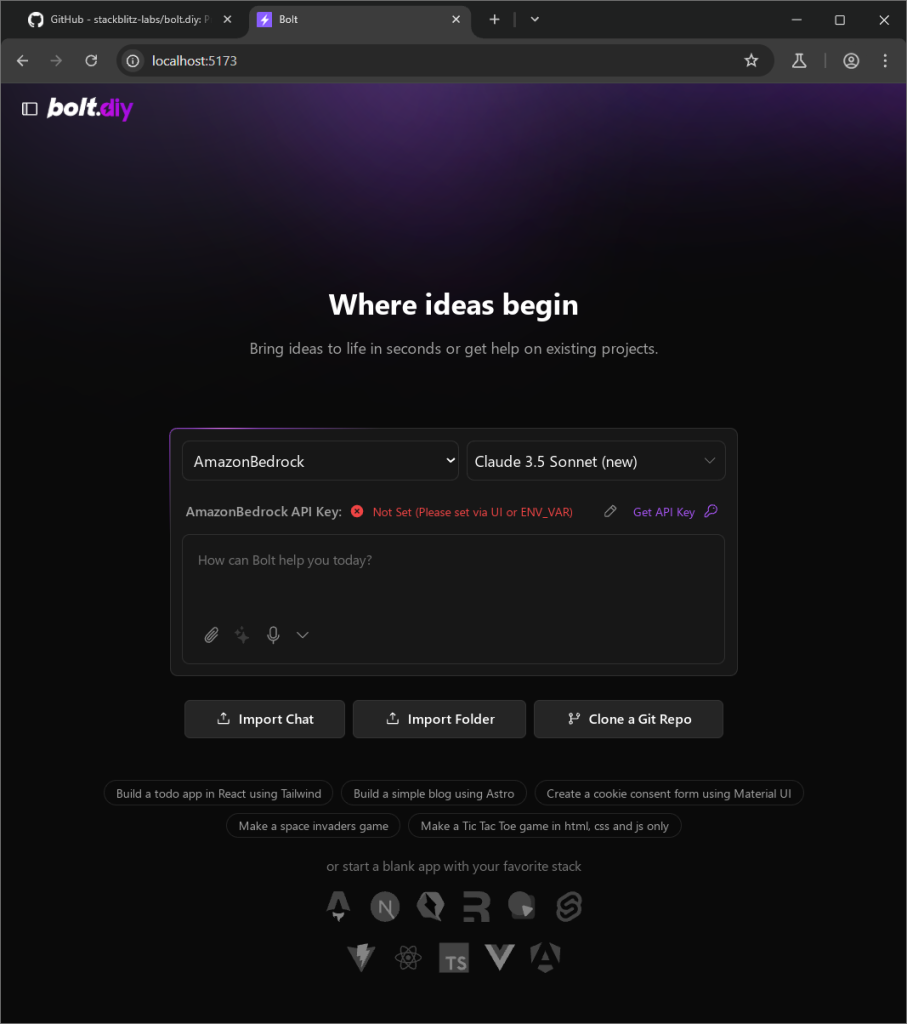
✅ You can plug in your own free or paid API keys like:
✅ Works great with React projects.
✅ Option to run local LLMs if you have the hardware (though my machine doesn’t have a high-end GPU).
What I hope to get from BOLT.DIY:
✅ Output that is similar to Bolt.new when generating UI code for React apps.
✅ A cheaper way to use different LLMs, without depending on expensive subscriptions.
✅ More freedom to test different APIs and get the best coding suggestions.
✅ Better performance without waiting in queues like in Trae.
If you’re looking for a free, flexible, and React-friendly LLM IDE, and you’re okay with some manual setup, BOLT.DIY is a great tool to try. It gives you more control over your development environment and lets you experiment with different models and APIs at a lower cost.
Need help setting it up or connecting your favorite LLM? Let me know!