Sri Rampai, Wangsa Maju
Kuala Lumpur, Malaysia
adyaakob@gmail.com
+60 102369037
Sri Rampai, Wangsa Maju
Kuala Lumpur, Malaysia
adyaakob@gmail.com
+60 102369037

As AI continues to revolutionize coding workflows, many developers and hobbyists are looking for ways to build functional applications without expensive tools or API dependencies. One such approach is the Free Vibe Coding Workflow, which leverages freely available platforms and AI models to transform user prompts into fully functional web applications. In this blog post, we’ll break down this workflow step by step and discuss its pros and cons.

This workflow is designed to be cost-free while maximizing AI-assisted development. Here’s how it works:
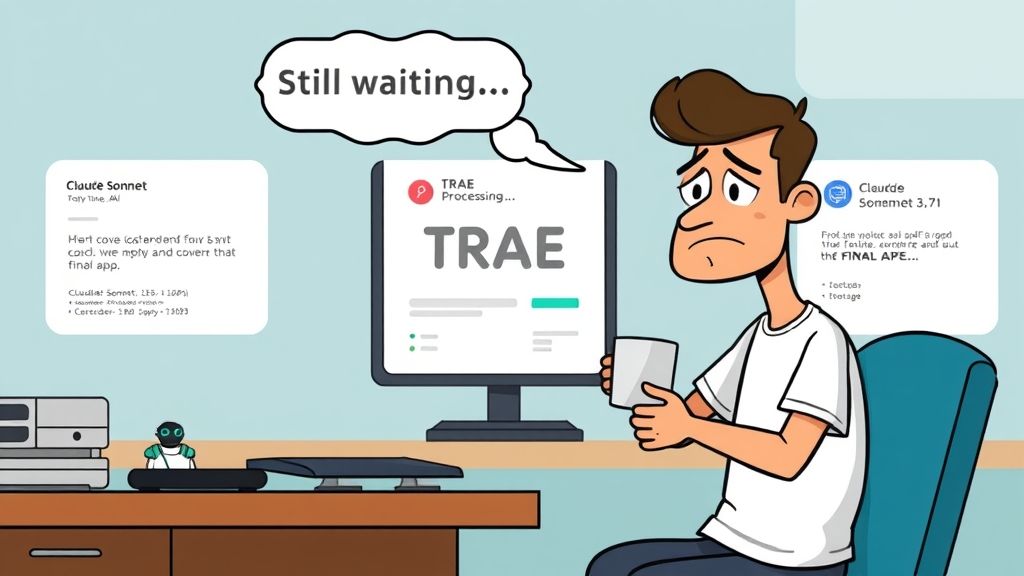
While this free workflow is an innovative way to develop applications without API costs, it comes with a significant drawback: TRAE IDE’s response time. Users often face long delays when requesting actions or modifications, making it a slow process compared to traditional development tools.
The long quest for TRAE to respond means that users must practice patience and work around these delays. While it remains a powerful tool in the free development ecosystem, those who need faster iteration cycles might find this aspect frustrating.
The Free Vibe Coding Workflow is an exciting, cost-free way to build applications without relying on expensive software or APIs. By leveraging platforms like VO Vercel, TRAE IDE, and Claude AI models, users can create fully functional applications from simple prompts. However, the slow response time of TRAE IDE remains a challenge, making it a workflow best suited for those who prioritize cost efficiency over speed.
Are you ready to experiment with AI-driven development at no cost? Give the Free Vibe Coding Workflow a try and share your experiences!